Recess depth (Depth or Reveal type in Measure Genie)
Diagonals for shutters (Diagonal type in Measure Genie)
Obstructions: handles, winders, tiles, power points, air conditioners
Control side and stack direction
Photo with sizes marked
Checked with tape? Yes or no
Awnings (outdoor)
In Measure Genie, use an Outdoor or Both project and add an area for each awning, then record widths, heights and depths with photos and notes. There are no awning-specific fields, so record projection and fixing details as labelled measurements or notes.
Opening width and height, and the fixing surface above
Projection the customer wants and clearance for doors, paths and gutters
Wall material for fixings
Photos of the whole wall and the fixing area
Before you leave
Walk through the sizes with the customer
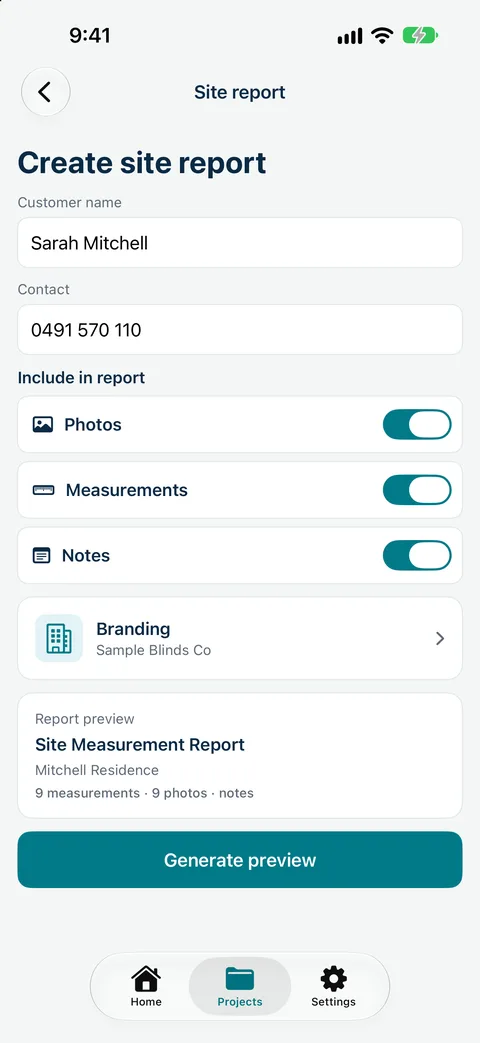
Send the measure report
Note anything to confirm on the next visit
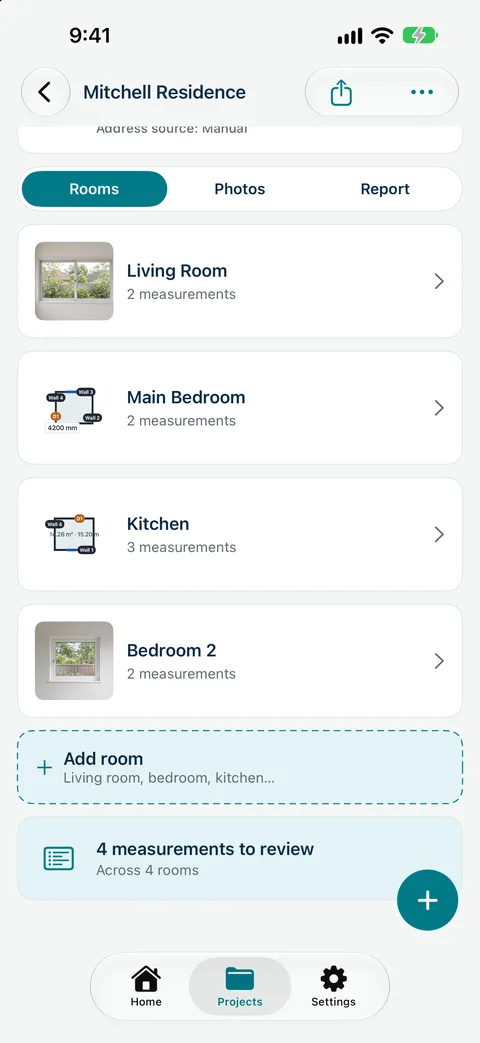
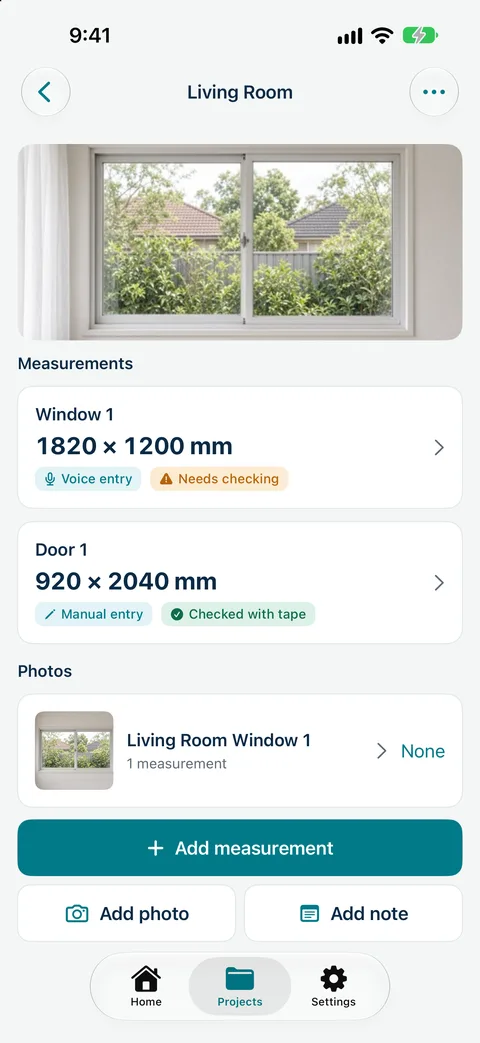
Record sizes by voice, mark up photos and send a branded measure report from site. Measure Genie is coming soon to iPhone and Android. Register your interest
Paper sheet or app?
Paper site measurement sheet
Measure Genie
Sizes tied to rooms and windows
If you write neatly
Built in
Photos with sizes
Separate camera roll
Marked-up photos in the job
Estimated vs checked
Easy to forget
Recorded per size
Customer copy
Retype later
Branded PDF from site
Be first to measure with Measure Genie
Measure Genie is coming soon to iPhone and Android. Register your interest and we will let you know when it is ready to try.
 Systemic Studios