 Systemic Studios
What is the best measuring app for tradies?
One that records sizes against the job, shows which were checked, and produces a report. Try a few against your own site visit.

| Look for | Why |
|---|---|
| Jobs with customer and site address | Find any job later |
| Voice capture with a confirm step | Hands on the tape, no wrong saves |
| AR and LiDAR options | Fast first look on large jobs |
| Photo markup | Shows the crew exactly what was measured |
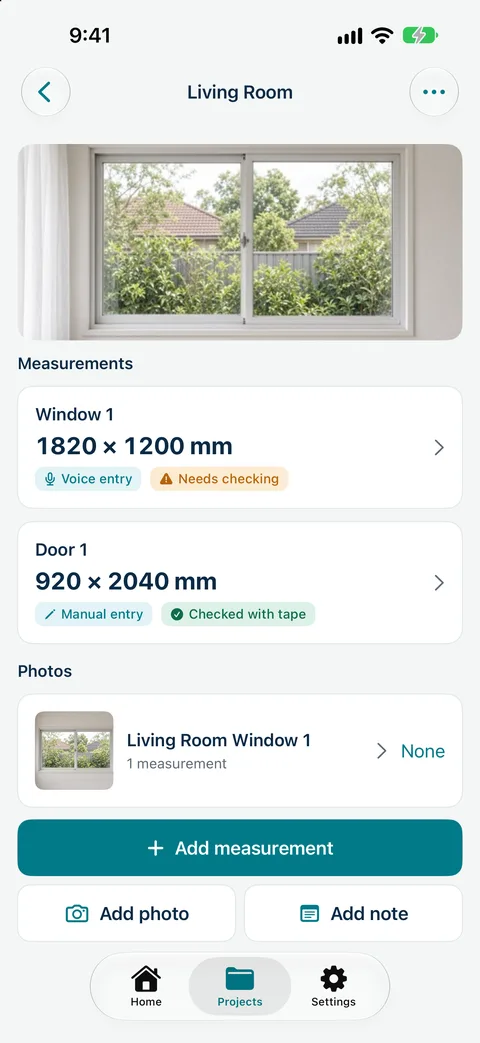
| Source and check status per size | Order only confirmed numbers |
| Branded report | Looks professional, quick approval |
| Data kept on your phone with your own backup | Your customers' details stay with you |
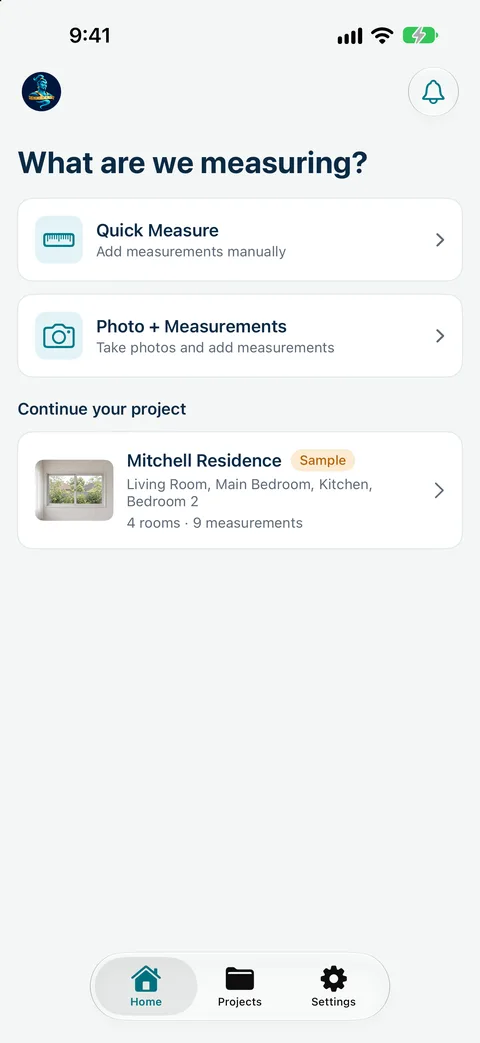
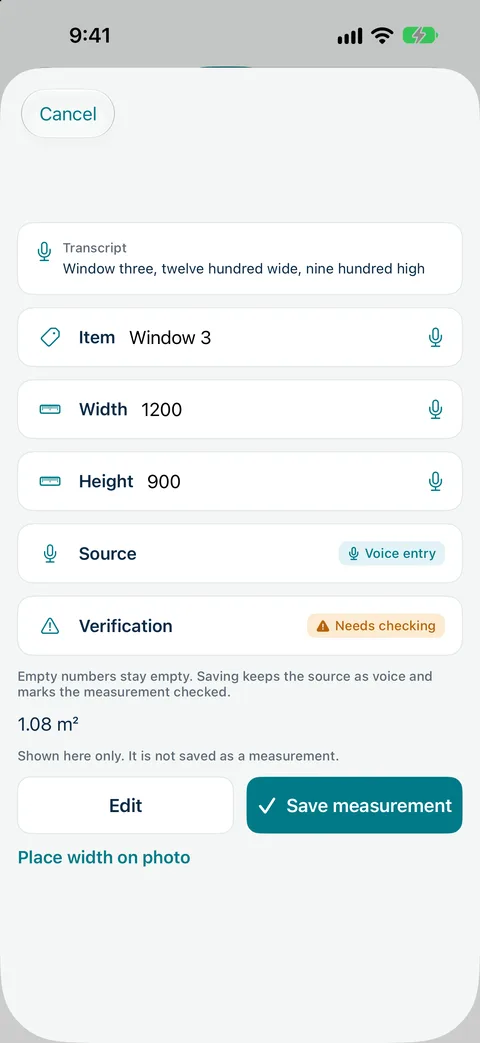
Measure Genie projects can be Indoor, Outdoor or both. Indoor jobs use rooms; outdoor jobs use areas such as Fence line, Deck, Driveway, Gate and Garden bed, so a single report can cover both.
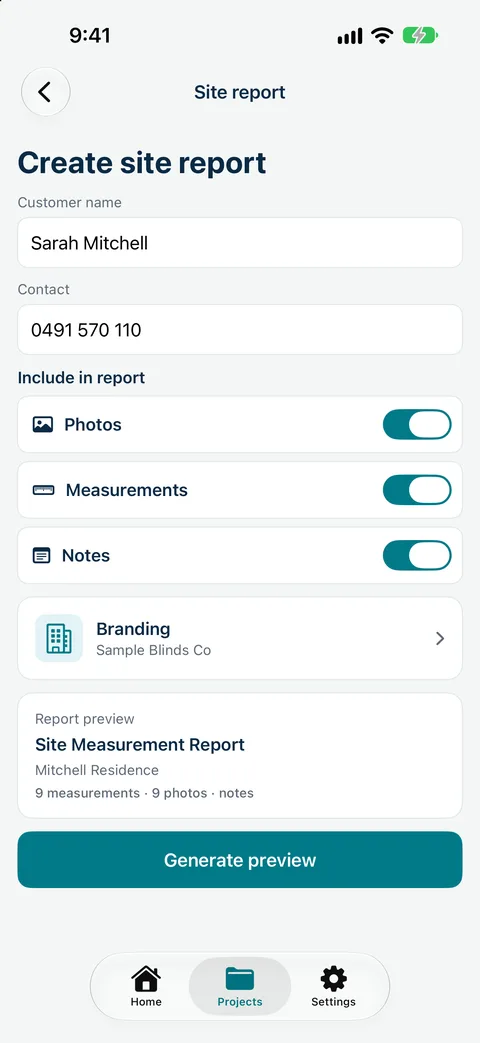
Record sizes by voice, mark up photos and send a branded measure report from site. Measure Genie is coming soon to iPhone and Android. Register your interest
Measure Genie is coming soon to iPhone and Android. Register your interest and we will let you know when it is ready to try.
One measuring app for every trade.
One that records sizes against the job, shows which were checked, and produces a report. Try a few against your own site visit.
Phone AR and LiDAR give estimates. Confirm critical sizes with a tape.
No. It makes branded measure reports you use to prepare your quote.
Measure Genie is coming soon to iPhone and Android. LiDAR room scan is iPhone only, on iPhones with LiDAR.