 Systemic Studios
What should I put on an NFC business card?
Your name, role and business, mobile, email and website. Leave out long notes and photos, because tags have limited space.

Not sure what to put on it, or whether to use a contact card or a link? Read NFC business card: what to include first.
NFC Ninja is coming soon to iPhone and Android. These steps follow the current app design.
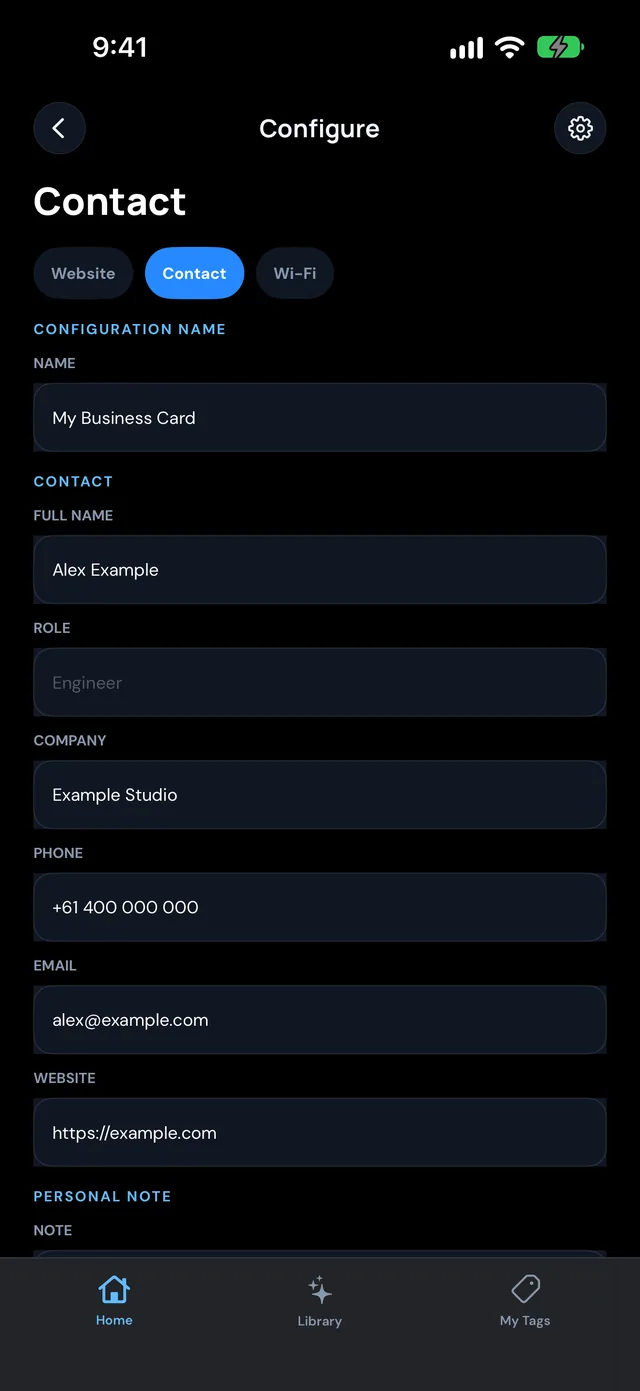
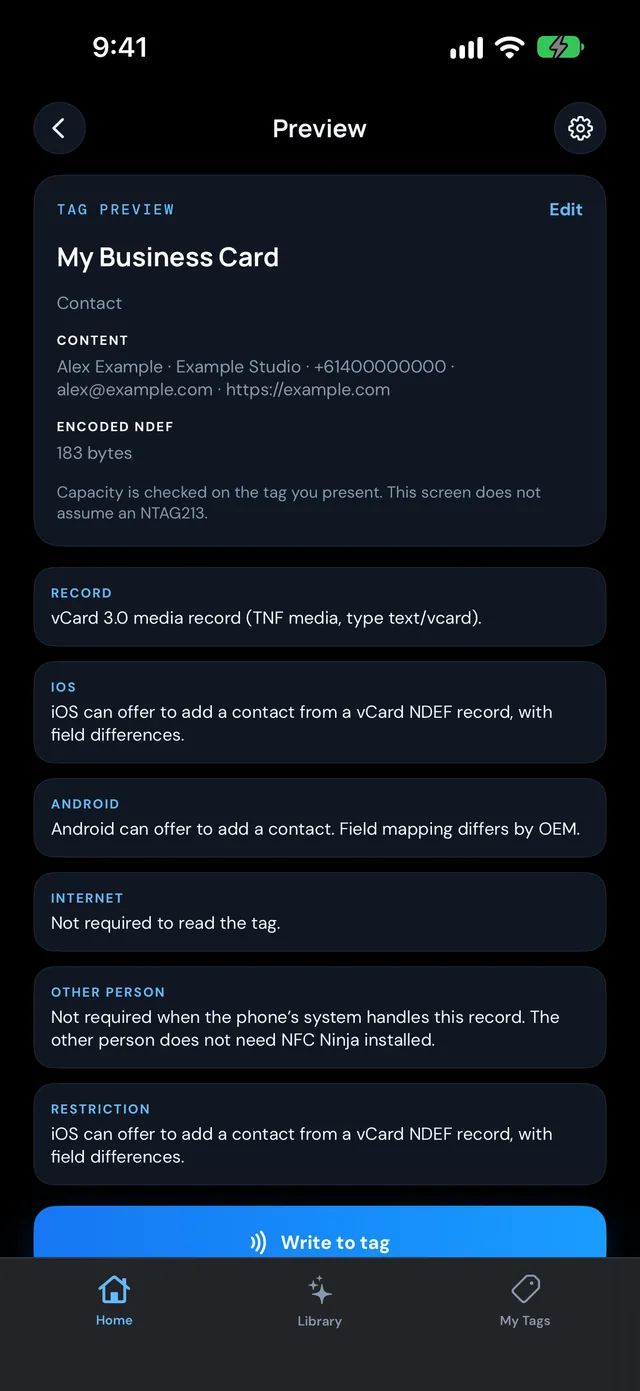
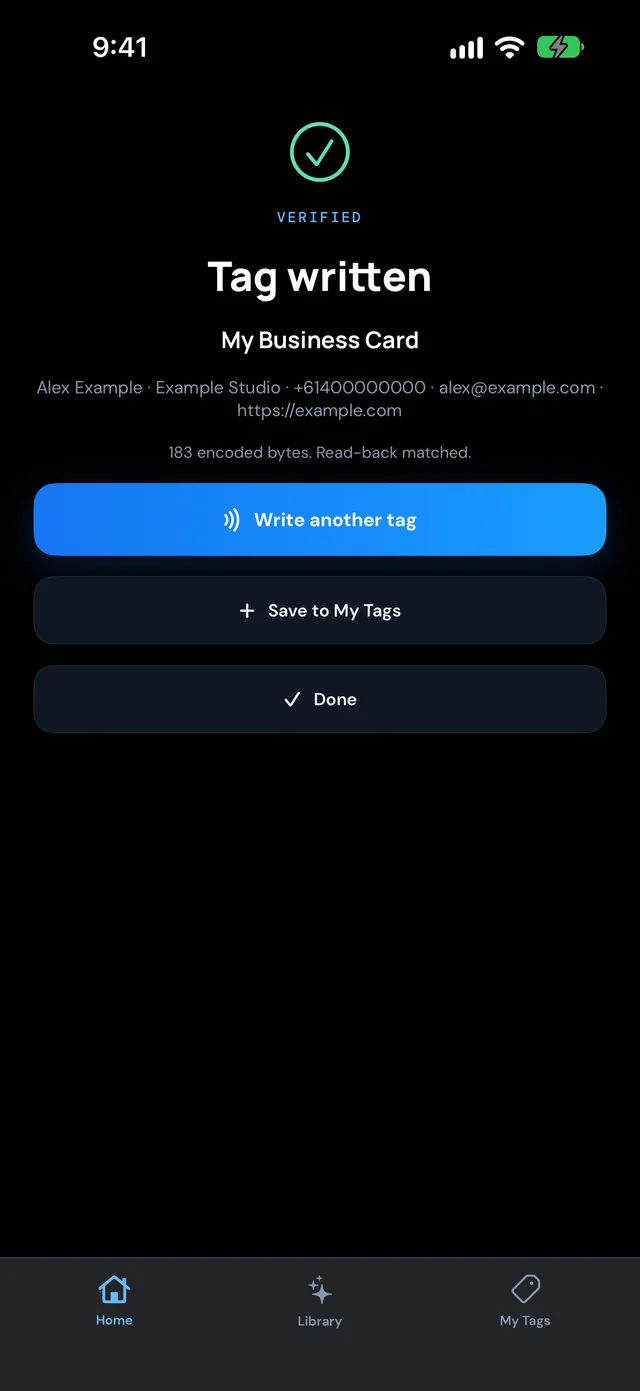
Your setup is saved in My Tags. When your number or role changes, edit it and write it again. Making cards for a team? Duplicate yours and change the details. NFC Ninja never locks a tag, so you can rewrite it whenever you need to.
Tap the finished card with an iPhone and an Android phone. Contact fields can show differently from phone to phone, so check that your name, number and email come through the way you want.

Pick an idea, build the tag in a few taps, write it, and see it verified. No account needed.
Your name, role and business, mobile, email and website. Leave out long notes and photos, because tags have limited space.
NFC Ninja reads the tag back after writing and only shows success when what it reads matches what you wrote.
Yes. Edit the saved setup in My Tags and write it again. NFC Ninja never locks tags.
Not always. Contact fields can differ by phone, so tap the card with an iPhone and an Android phone and check what comes through.