 Systemic Studios


Can I use an NFC tag as a business card?
Yes. Write a contact card or a link to your contact page onto an NFC sticker or card. Anyone with an NFC-capable phone can tap it to see your details.

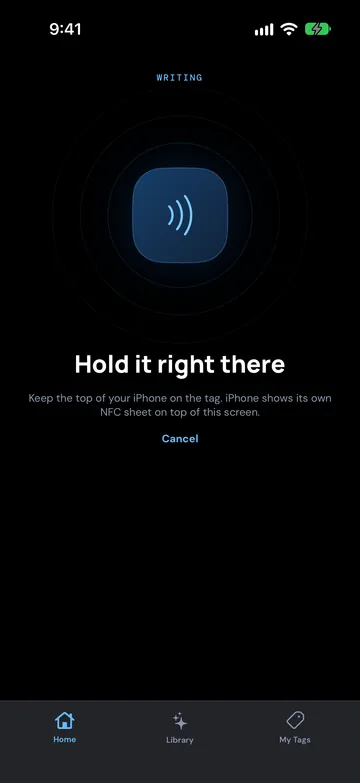
An NFC business card is a normal card, sticker or phone-case tag with a small chip inside. You write your details onto the chip once. When someone taps it, their phone shows your details or opens your page.
There are two ways to set one up:
The tag holds your contact details directly, in the standard vCard format that phones use for contacts. The other person can save you without visiting a website.
The tag holds a web link, for example to a contact page with a "save contact" button, or to your LinkedIn profile.
Many people do both: a contact card tag on the card in their wallet, and a link tag on a stand or lanyard.
Keep it to what someone needs to contact you:
Optional, if space allows: a second phone number or your business address. Leave out long notes and photos. NTAG213, the tag NFC Ninja has been tested with on iPhone, holds 144 bytes, which suits a web link or a short contact card. If your details don't fit, use a link to your contact page instead.
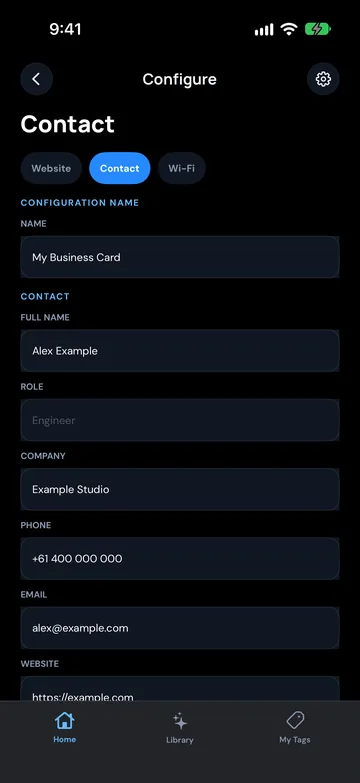
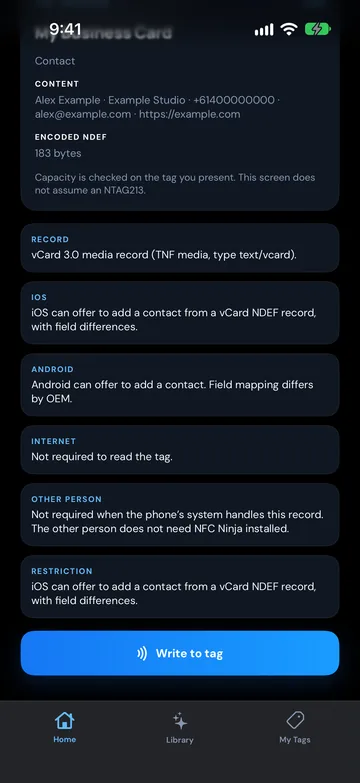
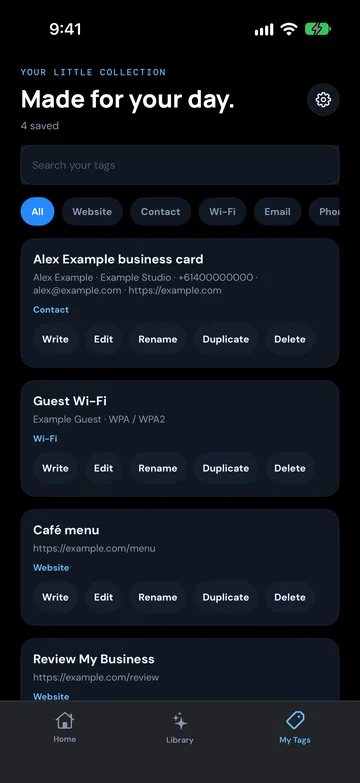
NFC Ninja is coming soon to iPhone and Android. These steps follow the current app design.
Prefer a link? Choose a website link with your contact page address, or open the Library tab and tap Use this idea on a LinkedIn or portfolio idea.
Before you print a box of cards, test your tag:
Phones handle tags differently, so a quick test on both is the only way to know how your card behaves for the people you meet.
A business card tag can only hold one main instruction. If you want people to see your work as well as save your number, use two tags: your contact card on your business card, and a LinkedIn Profile or Portfolio Link tag on your phone case, lanyard or display stand. More ideas are in NFC tags for business.
Pick an idea, build the tag in a few taps, write it, and see it verified. No account needed.
Yes. Write a contact card or a link to your contact page onto an NFC sticker or card. Anyone with an NFC-capable phone can tap it to see your details.
Not for a link. iPhone XS and later and most Android phones with NFC on can open a link from a tag without an app. A contact card stored on the tag may behave differently on iPhone, so test it, and use a link if you want the most dependable result.
Name, role, business name, mobile, email and website. Keep it short, because tags have limited space. Put longer information on a web page and link to it.
Yes, if the tag isn't locked. NFC Ninja never locks a tag and asks Overwrite this tag? before replacing what's on it, so you can edit your saved setup in the My Tags tab and write it again.
Yes. Thin NFC stickers can go on the back of a printed card. Avoid metal cards or metal phone cases unless the tag is made for metal, because metal can stop a standard tag from being read.